Features
Full RMM, entirely under your control
From first contact to full remediation — manage, audit and secure your entire fleet without sending a single byte to a third-party SaaS.
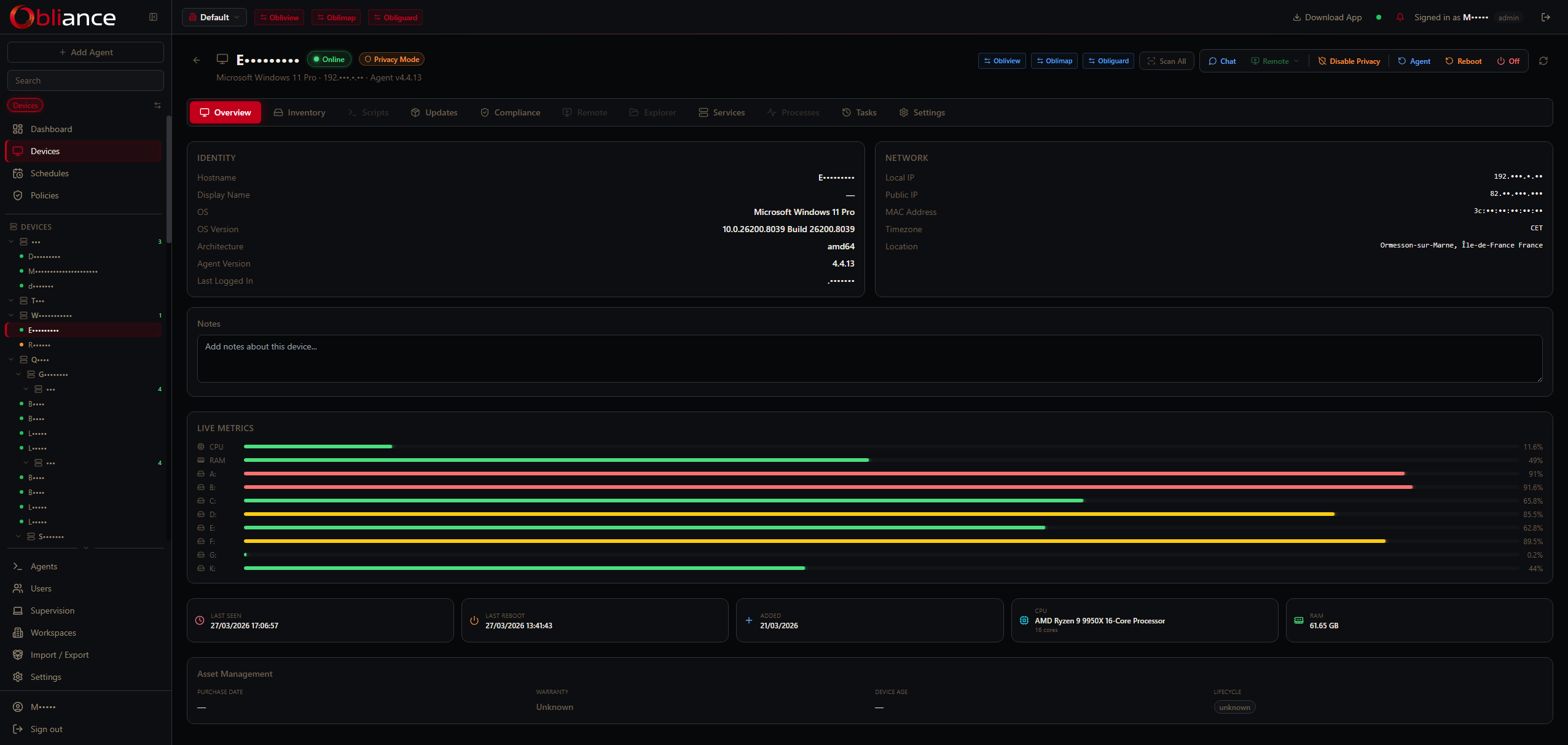
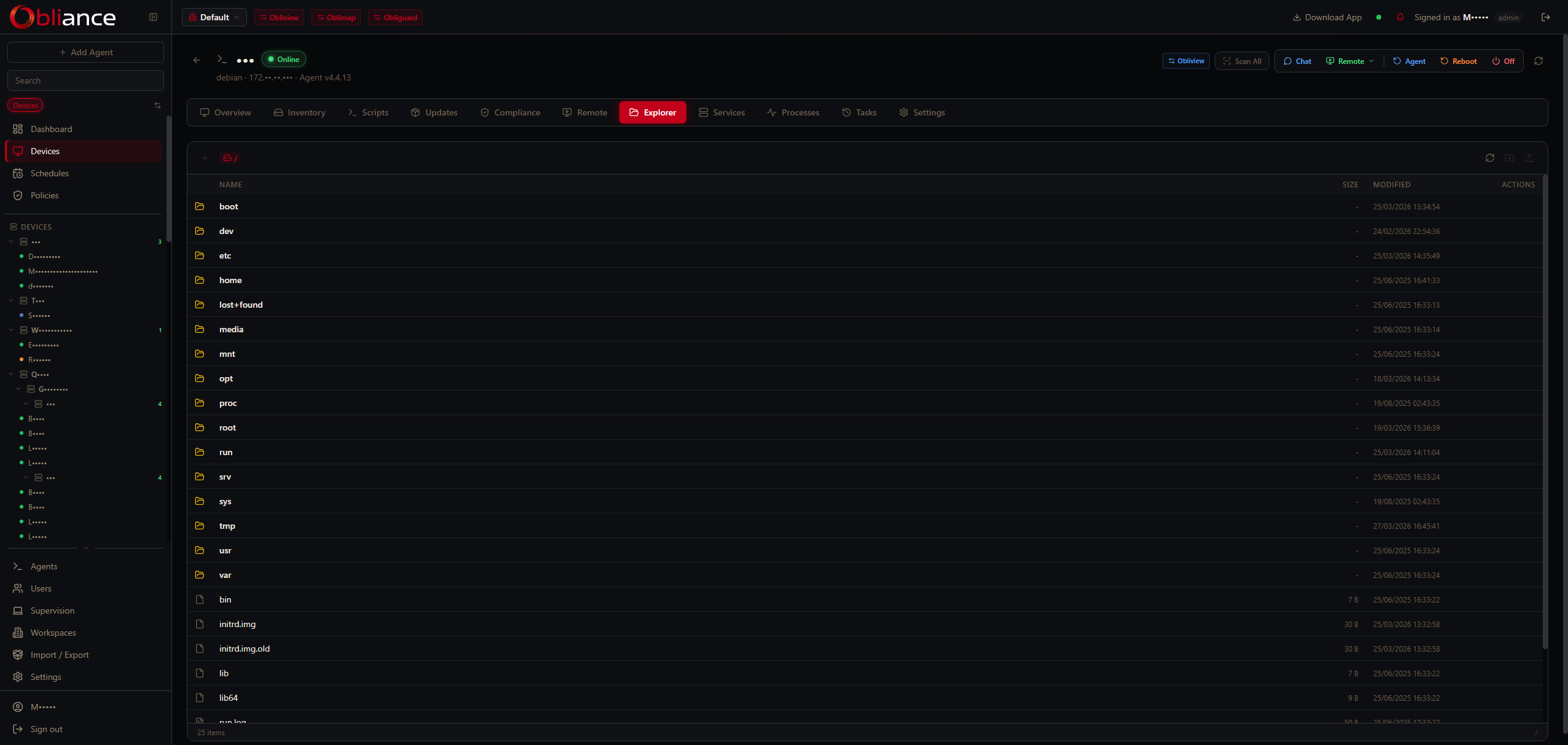
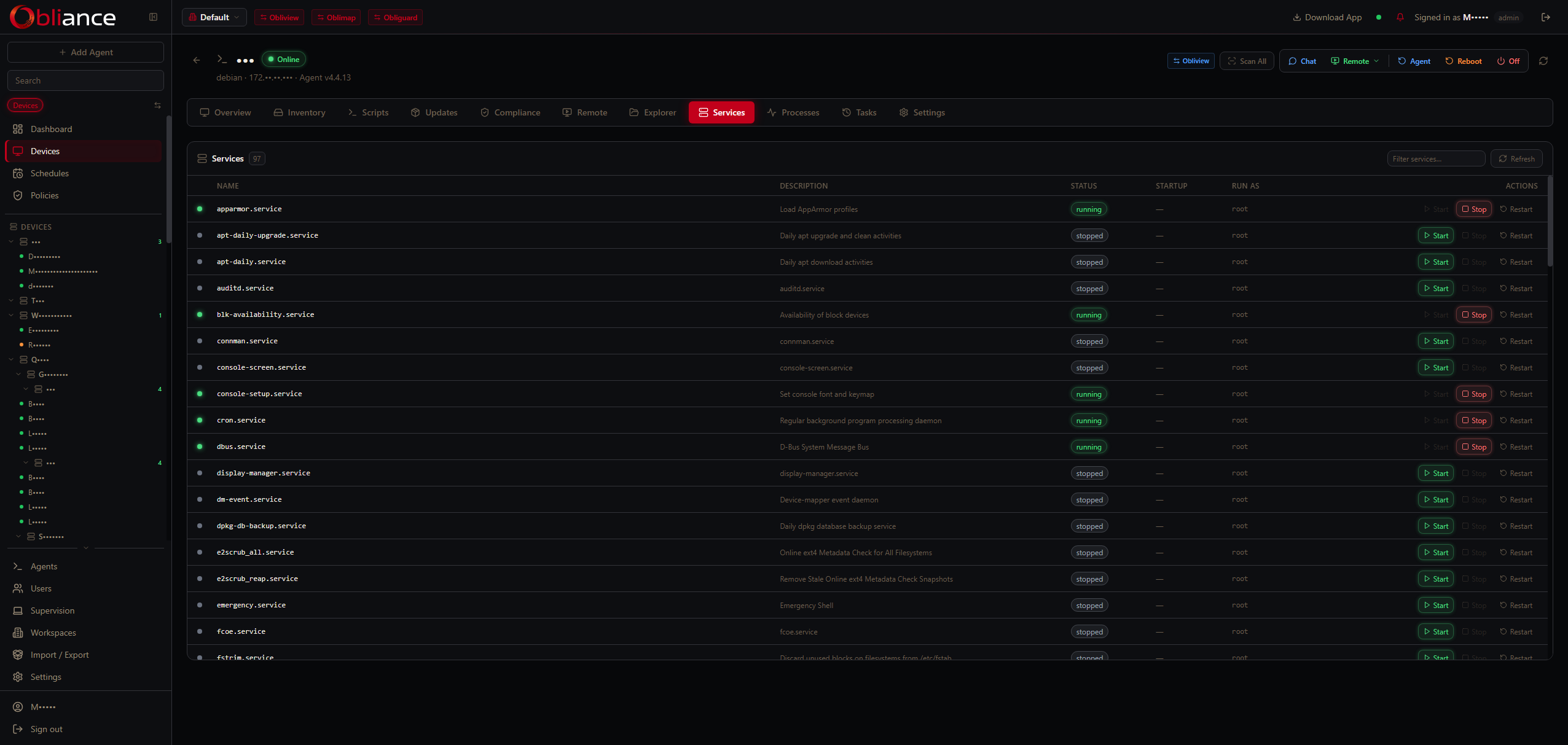
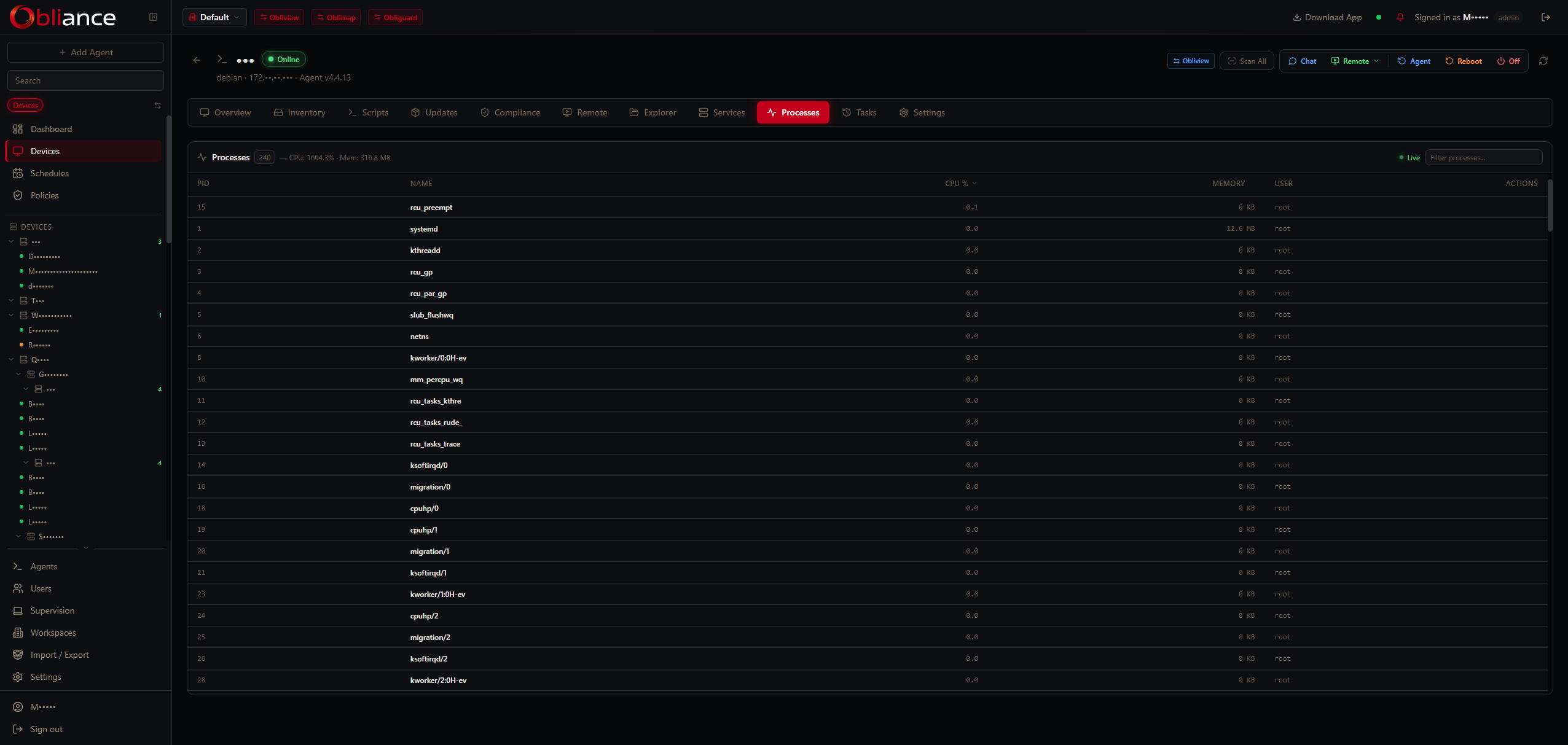
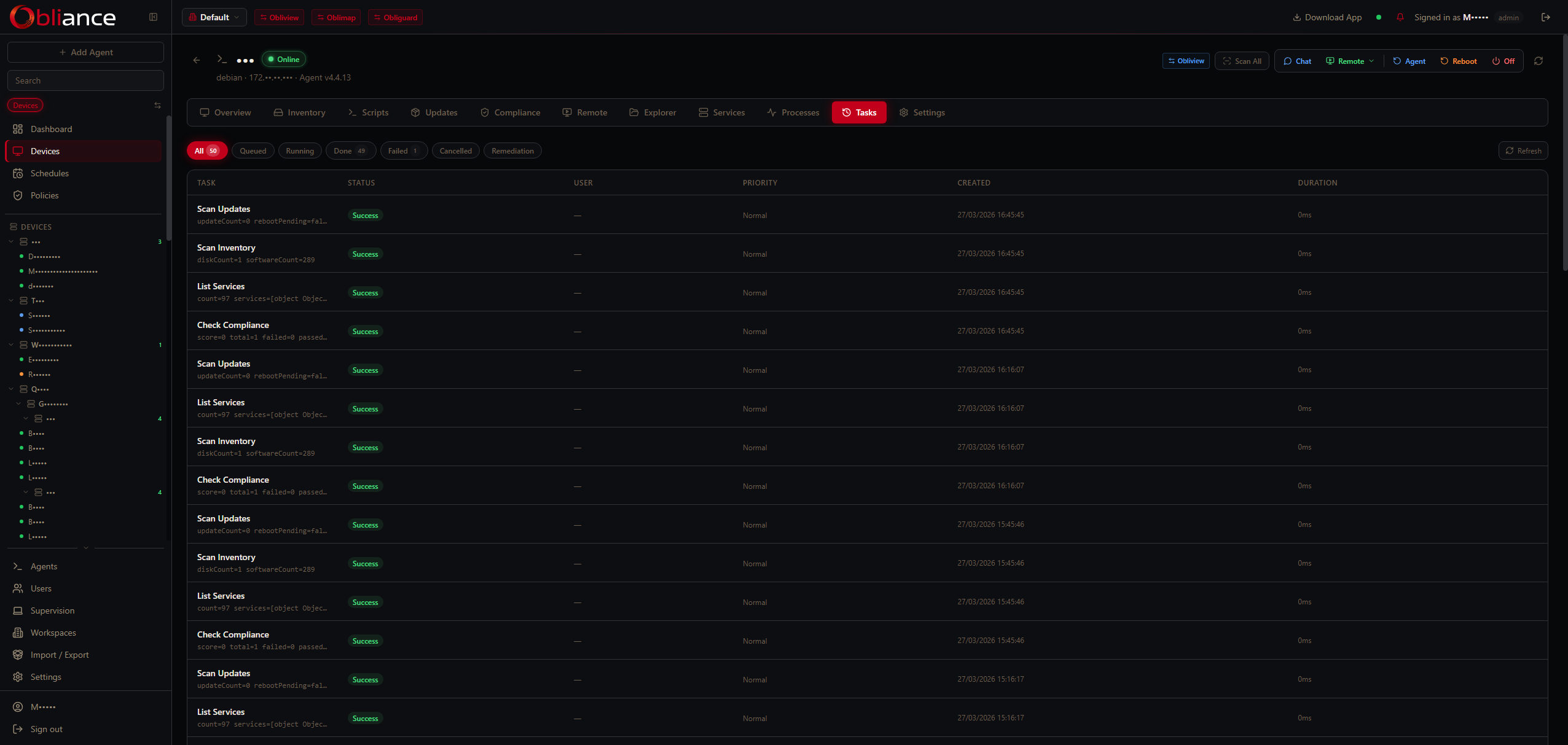
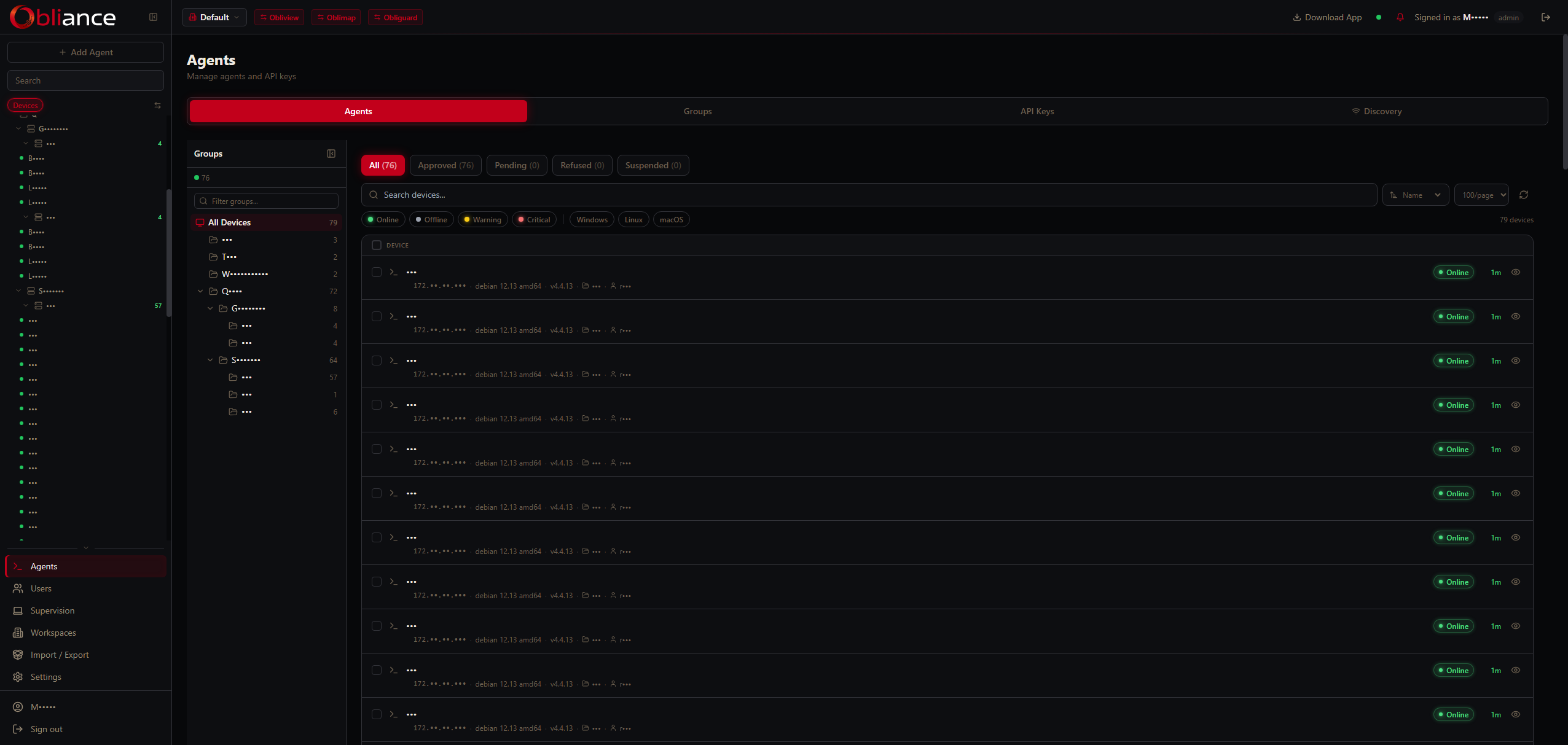
Fleet management
Device approval workflow, hierarchical groups, per-device settings, hardware inventory with BitLocker key recovery and installed software list. Approve, suspend or uninstall from one screen.
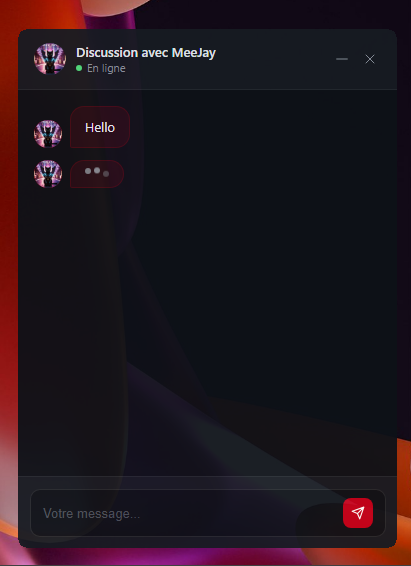
Remote desktop via Oblireach
Native H.264 screen streaming with mouse and keyboard relay — directly in the browser, no plugin needed. Cross-session capable: connect even when no user is logged in.
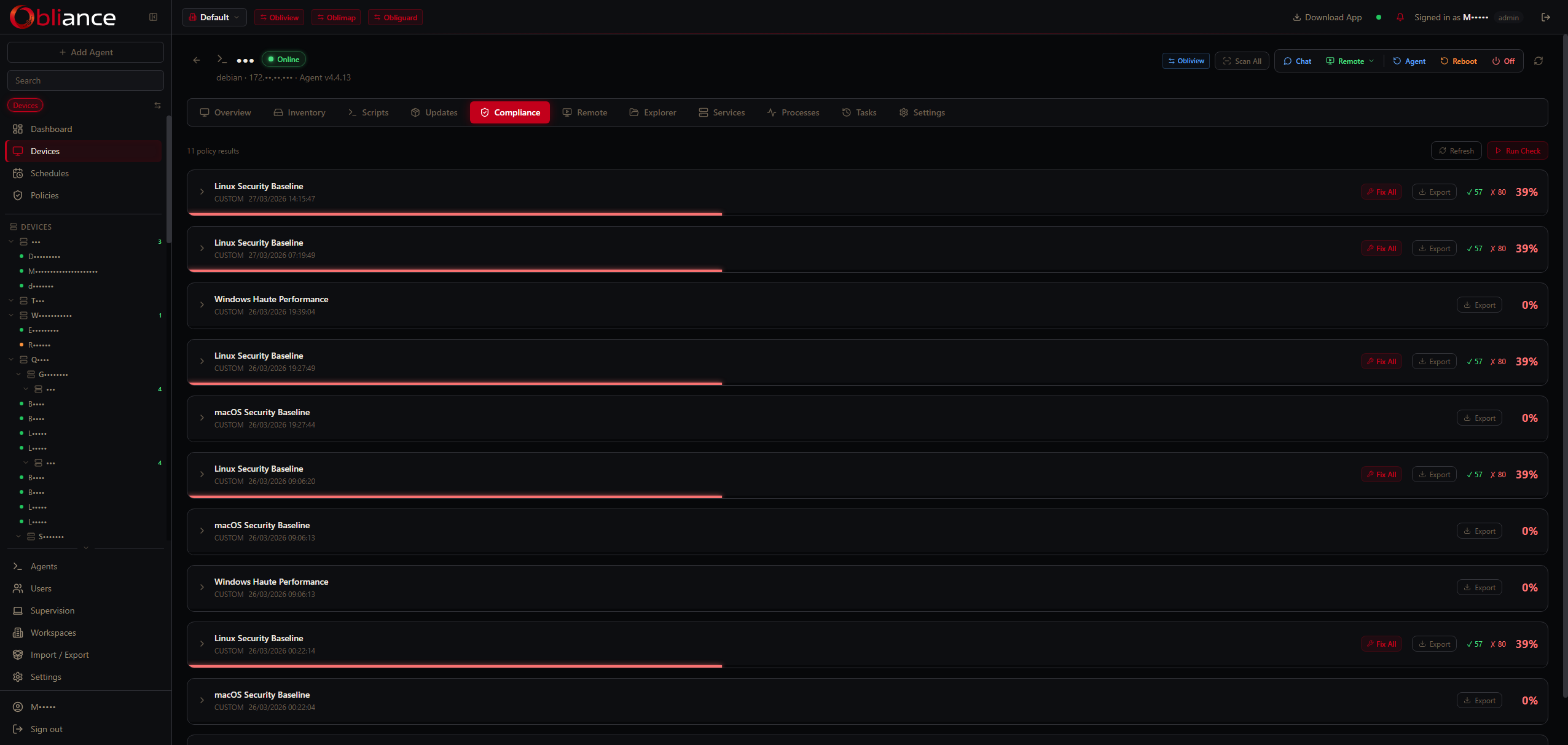
Compliance policies
10 built-in presets covering CIS, NIST 800-171, ISO 27001, PCI DSS v4, HIPAA, SOC 2 and more. Run checks on demand or on schedule, export audit reports per device or group.
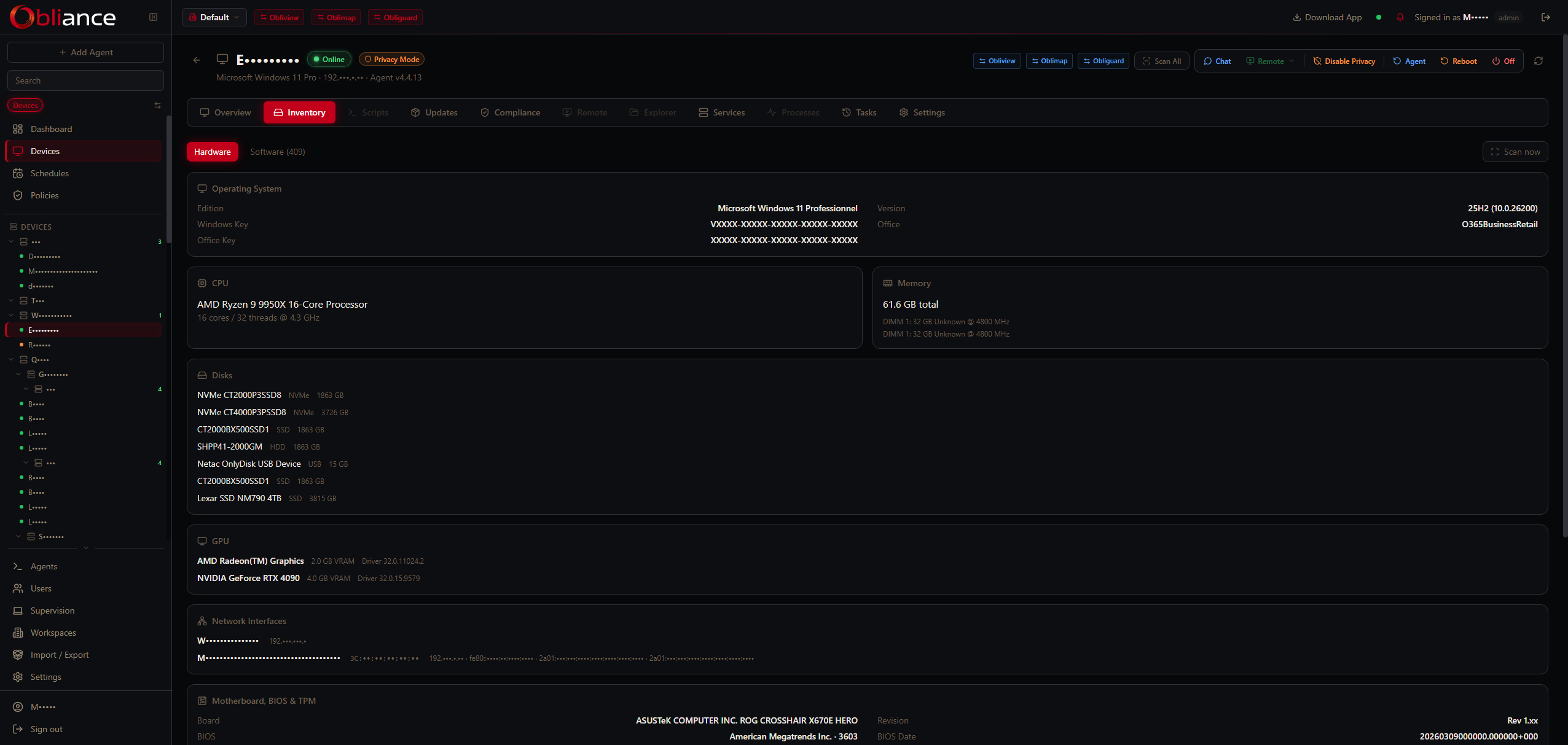
Hardware inventory
Full system snapshot per device: CPU, RAM, disks, GPU, network interfaces, OS version, installed software list, Windows Update status and BitLocker volume key recovery.
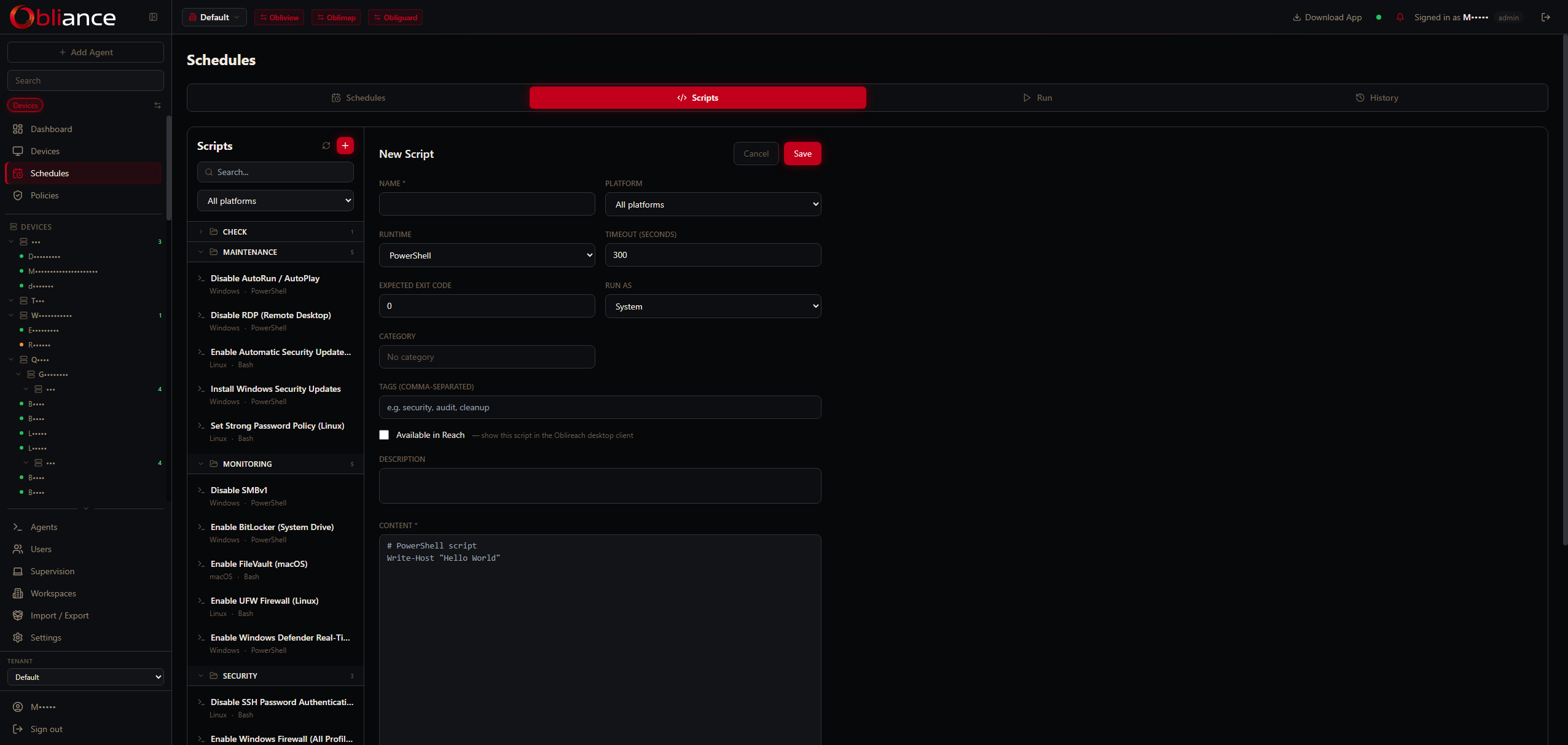
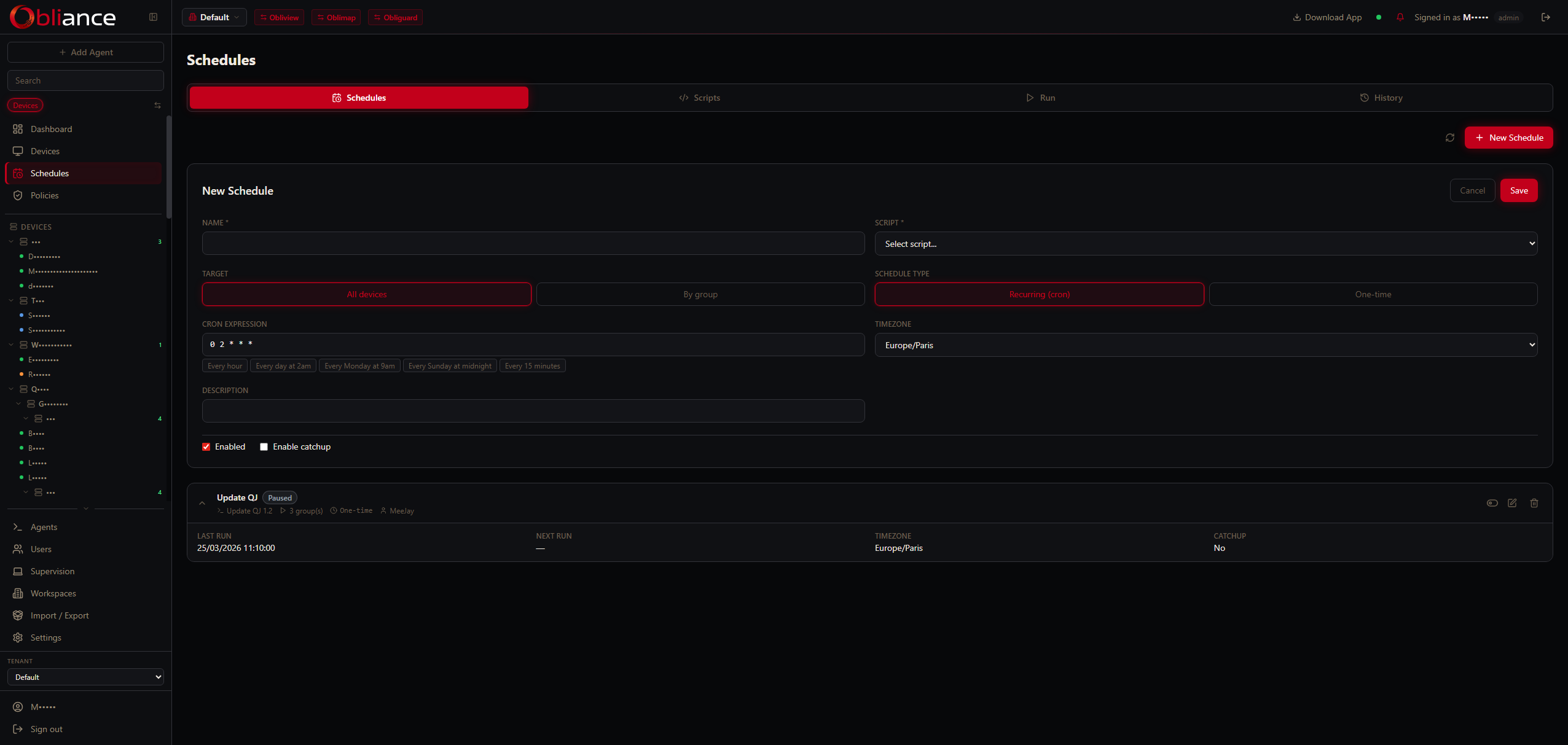
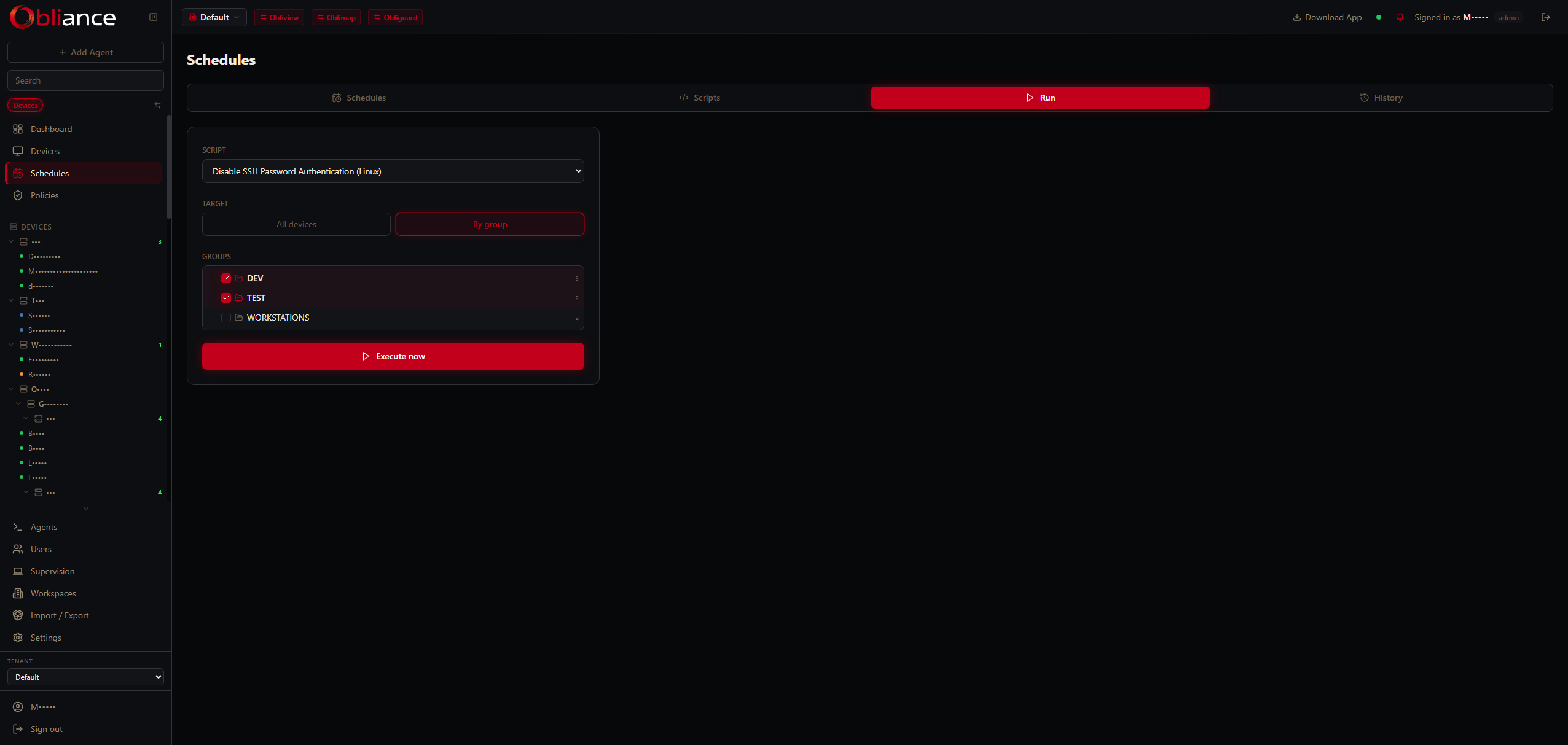
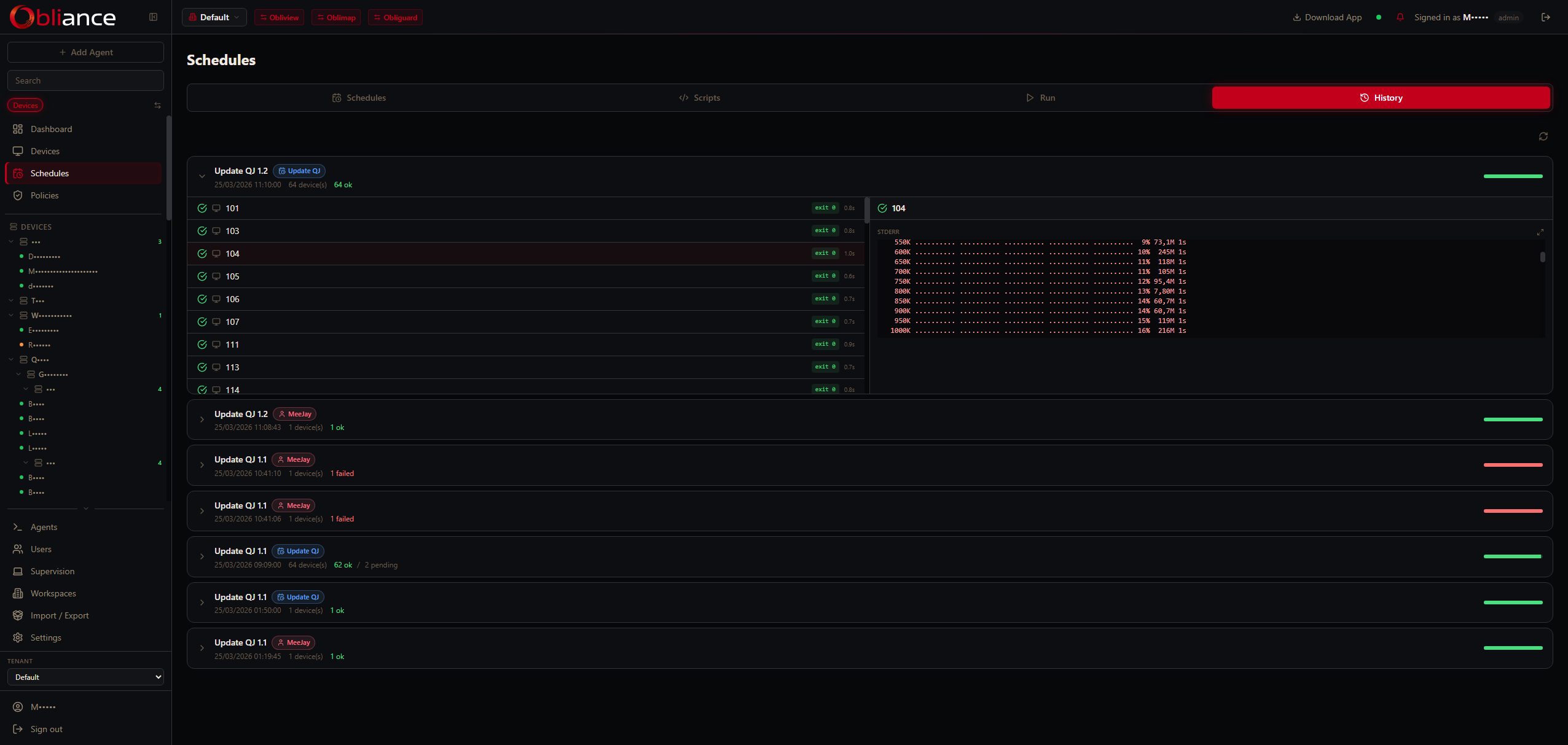
Script scheduling & library
Maintain a centralized script library. Schedule PowerShell, Bash or Python scripts to run on a device or across a group — with captured output, error reporting and audit trail.
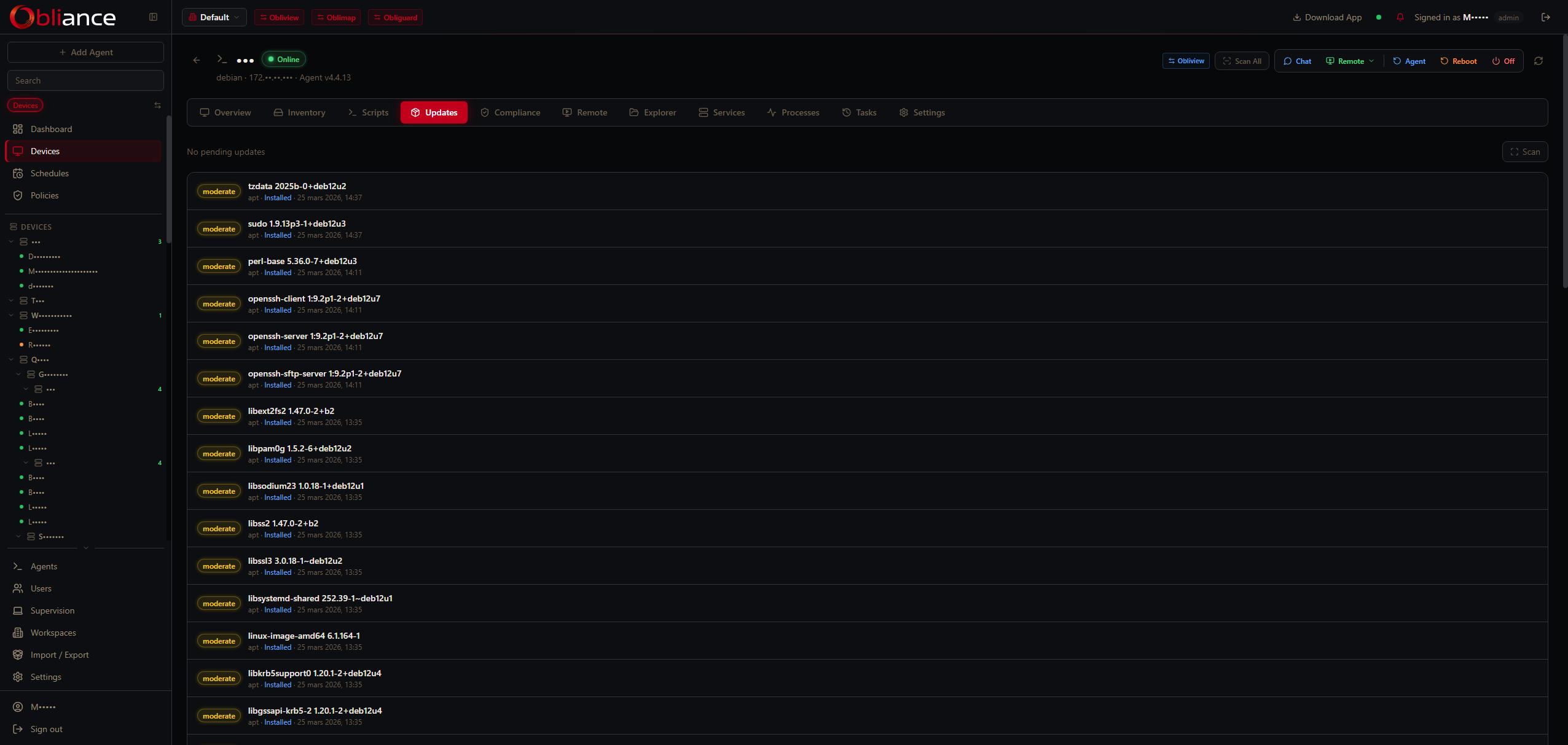
Patch management
Deploy OS updates via Windows Update and applications via winget or Chocolatey. Define update policies per group with approval, staging windows and rollback support.
Privacy mode
Agent-side lock that blocks all remote commands from the server. Toggled by the user from the system tray or locked with file permissions — the agent refuses execution regardless of server-side instructions.
SSO via Obligate
Integrate with Obligate for single sign-on across the obli.tools ecosystem. OAuth authorization code flow, automatic user provisioning and multi-tenant RBAC with teams, scopes and permission levels.
Privacy mode — agent-enforced
When privacy mode is enabled on a device, the agent stops the Oblireach service and blocks every sensitive command locally — no matter what the server sends. The lock can be made permanent by the end user (attrib +R privacy.json), preventing even remote disable. The system tray icon reflects the locked state.